Your business,in one link.
A free bubble for your gym, salon, shop, venue or café.
Set-up takes about 15 minutes. Early access is by invite. Have an invite? Sign up.

Low Fade
Walk-ins welcome, Woolloongabba
- Open now
- Prices
- Call the shop
- Directions
Every bubble and number here is an example we made in the Editor.
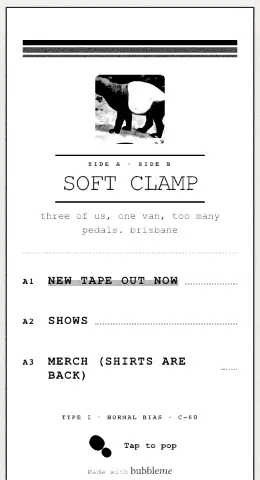
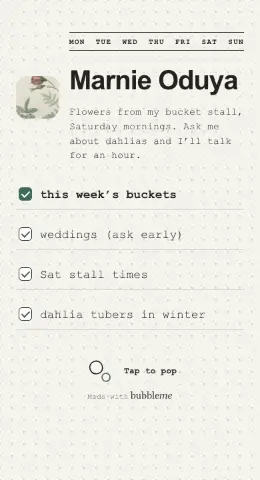
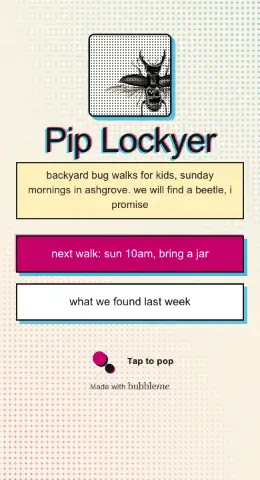
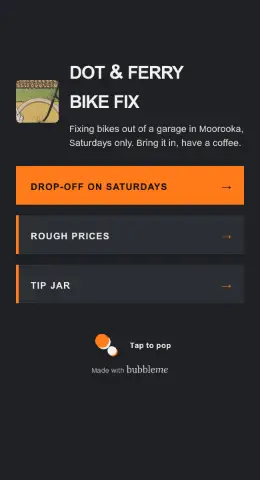
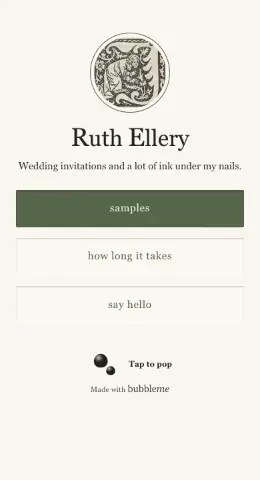
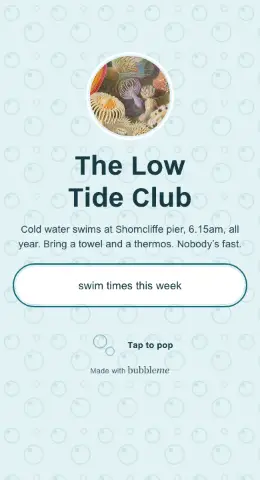
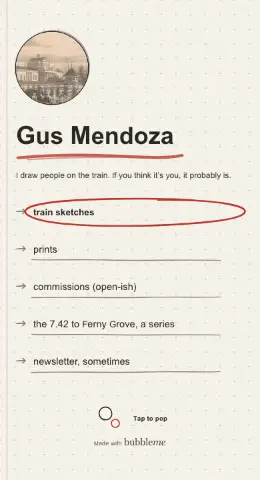
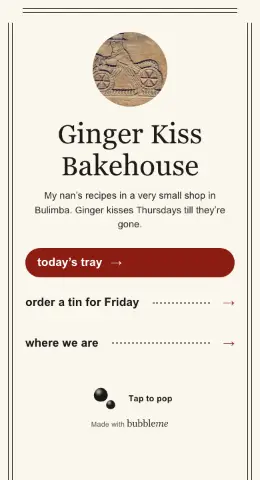
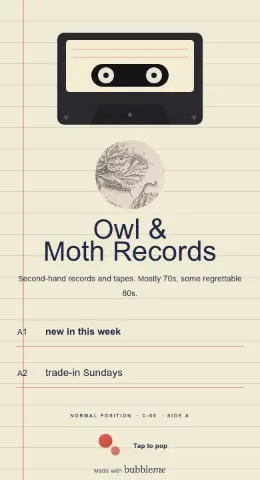
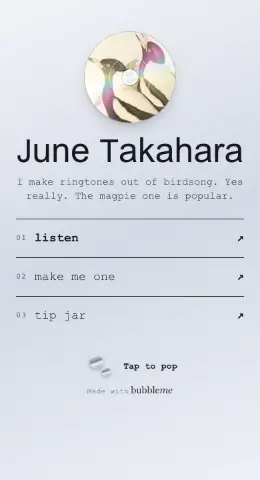
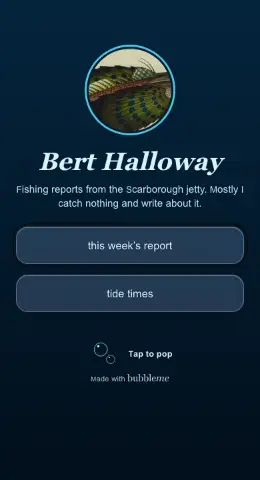
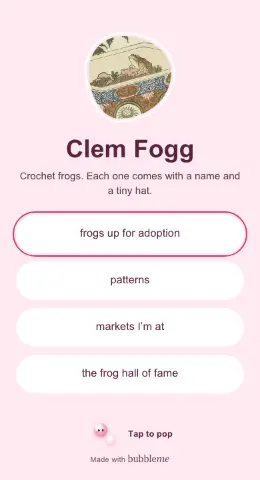
12 of them. Every look is yours to change.
Show it’s your business
Confirm your business with an email on your website’s address, a quick call or your registration certificate, and the Official seal shows by your name: a small shopfront stamp. Anyone can tap it to see we checked the business is yours. How confirming works
Whatever you run
Tell us what kind of place you run and your bubble starts with the parts it needs.
- Gym or studio
- Your class timetable, your prices and a button to your classes app.
- Salon or barber
- Services with prices and how long each takes, and a button to your appointments app.
- Shop
- Your products, your hours, and a Shop online button.
- Venue
- What’s on, a button for tickets and how to find the door.
- Café
- Today’s special, your menu and when you close.
Change it from behind the counter
Quick edit is the first thing you see when you sign in. Close for the day, post a special, mark something sold out or say how busy it is, and your bubble updates straight away.
It reminds you before public holidays too, so nobody turns up to a locked door.
Quick edit
Hours that know when you’re open
Visitors see “Open now” or “Opens 7am” in your time zone, with the days you close early or open late.
Your menu, services or price list, typed in with prices, added as photos of the printed menu, or linked if it’s already a PDF.
Coming soon: your hours kept in step with your Google Business Profile. For now you type them once here.
Hours
QR codes in your own colours
Make a window sticker, table tent, card or poster in your colours. Print it at home, or download a print-ready PDF for the print shop.
Each piece gets its own short code, so you can see which ones people scan, and change where a code goes later without reprinting it.
- Table tents184
- Window sticker61
- Counter screen23
Scan for our timetable
Opens bubbleme.bioEverything a business bubble can do
- Hours
- Up to 3 times a day, closing past midnight, last orders, holidays and other dates, and how busy you are right now. Keeping them in step with Google is coming soon.
- Menu
- As a menu with prices, photos, dietary tags and sold out; as services with how long each takes; or as a price list. Photos of a printed menu work too.
- For your kind of business
- A class timetable for gyms and studios, What’s on for venues, areas you serve for mobile businesses, and We’re hiring.
- Buttons
- Order online, Get tickets, table reservations, gift cards, call and email. Paste a link from Uber Eats, OpenTable, Fresha or Eventbrite and the button names itself. Your main button can stay in reach as people scroll.
- Directions
- Your address with Get directions, a map that loads only when tapped, and wheelchair access, dog friendly, outdoor seating, Wi-Fi, parking, kid friendly or card only.
- Quick edit
- Closed today, how busy it is, today’s special, sold out and “hours checked this week”, live straight away. A reminder before public holidays and a Monday check-in email.
- QR & print
- Window sticker, table tent, counter card, poster and a plain code, in your colours, with a print-ready PDF. Each has its own scan count, and you choose where it opens. A Wi-Fi card, and screen mode for a counter screen.
- Messages
- A contact form that sends to your bubbleme Inbox, so your email address stays off your bubble.
- Stats
- Visits, where they came from (QR, Instagram and more), taps on directions, call and menu, and your busiest days and hours. We never store who your customers are.
- Looks
- 78 looks, 77 font pairings, your colours and logo, and a cover photo or video.
- Trust and team
- The Official seal by your name once you confirm your business, and team access with business+.
- Campaigns
- Coming soon: post a campaign, find local creators and keep each campaign in one thread.
Some looks and touches are part of bubble+. bubbleme never takes payments: orders, reservations and gift cards open your own provider.
Coming soon
Invite local creators in
Campaigns are on their way: post a campaign, find creators near you and keep each campaign in one thread. Your business bubble works today. Leave your email and we’ll send one note when campaigns open.
Free for your business
Your bubble, hours, menu, Quick edit, QR codes and screen mode are free. bubble+ adds every look and no “Made with bubbleme”. business+ is A$30 a month for a year of stats, up to 20 QR codes, a monthly report and team access. Prices in Australian dollars, including GST. See pricing
Before you ask
Is it free for businesses?
Yes. A business bubble costs nothing. The paid plans add extra looks, a year of stats and team access. See pricing
Can it be my website?
Yes. Your bubble lives at bubbleme.bio/@yourbusiness, works on any phone or computer, and search engines can find it. If you already have a website, add it as a link.
Does it work with Google?
Get directions on your bubble opens Google Maps, or Apple Maps on an iPhone. Your hours aren’t copied from Google yet: you type them once here, and Quick edit closes you for the day when you need to. Keeping them in step with your Google Business Profile is coming soon.
Do I need to know anything technical?
No. Type your hours and menu into boxes, pick a look and publish.
Can more than one person edit it?
Yes, with business+ you can invite your team, so whoever’s on shift can post the special.
What kinds of businesses is it for?
Gyms and studios, salons and barbers, shops, venues, cafés, restaurants, bakeries, bars and anyone who comes to you or you go to. You pick your kind when you sign up, and your bubble starts with the right parts.
More answers in Help.
Start with an invite
Sign up with your invite and pick your kind of business. Add your hours, publish, and print your first code. Without an invite, leave your email and we’ll send one.